ChatSend Blog
ChatSend vs WhatsApp Cloud API: Which One Fits Your Team?
A practical comparison of ChatSend and WhatsApp Cloud API for teams deciding between official Meta infrastructure and a faster multi-session operating layer.
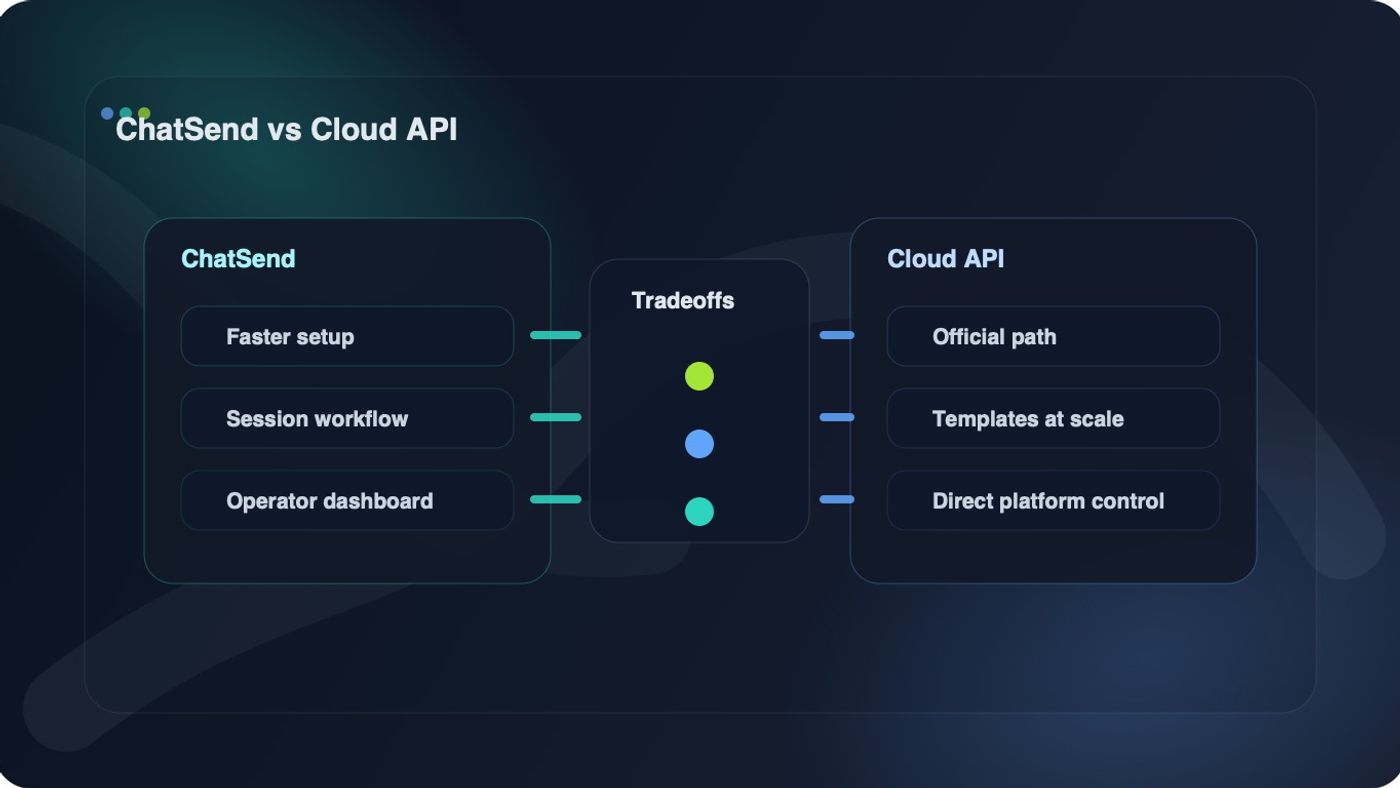
If you are comparing ChatSend vs WhatsApp Cloud API, the first thing to get right is that these two options solve slightly different problems.
WhatsApp Cloud API is Meta's official, server-side API for businesses that want direct access to the WhatsApp Business Platform. ChatSend is a faster operating layer for teams that want to connect WhatsApp sessions, manage multiple numbers, send through a simple API, and avoid building the full operational stack themselves.
That means this is not just a feature checklist decision. It is a workflow decision.
This guide explains where each option wins, where the tradeoffs are real, and which one is the better fit depending on your team, speed, and messaging model.
Quick answer
Choose WhatsApp Cloud API if you need the official Meta path, approved template messaging, high-scale direct infrastructure, and a team that can own the full integration lifecycle.
Choose ChatSend if you care more about launching quickly, operating multiple WhatsApp numbers from one place, giving non-engineers a usable dashboard, and keeping the API workflow simple.
What WhatsApp Cloud API actually gives you
According to Meta's developer documentation, WhatsApp Cloud API is hosted by Meta and is designed for medium and large businesses that want to communicate with customers at scale. It runs on Graph API, uses business portfolios, WhatsApp Business Accounts, business phone numbers, access tokens, and webhook endpoints as core building blocks.
That brings a few clear advantages:
- official Meta-hosted infrastructure
- direct access to WhatsApp Business Platform primitives
- approved template messaging support
- webhook-based inbound and delivery event handling
- default throughput up to 80 messages per second per registered business phone number, with automatic upgrade paths to 1,000 messages per second for eligible numbers
It also brings setup and operations overhead that many teams underestimate.
You are not just sending one HTTP request. You are also handling business setup, number registration, permissions, token management, template approval workflows, webhook ingestion, and ongoing compliance with Meta's rules.
For the right team, that is fine. For a small product team trying to ship quickly, it can be a lot.
What ChatSend actually gives you
In this repo's current product surface and docs, ChatSend is shaped around a simpler operator and developer workflow:
- create and manage WhatsApp sessions
- pair numbers through a session flow with QR handling
- send text and media through straightforward endpoints
- enable webhook callbacks per session
- manage API keys for server-side access
- test requests from a built-in dashboard playground
- operate multiple numbers from one dashboard
That changes the day-to-day experience in a meaningful way.
Instead of assembling several moving parts before the first useful send, a team can usually focus on the practical workflow first:
- connect a session
- store the session identifier
- send a message
- inspect the response
- wire webhook callbacks if needed
This is why ChatSend tends to fit teams that care about operational speed and multi-number usability more than direct ownership of the underlying Meta business stack.
ChatSend vs WhatsApp Cloud API at a glance
Area | ChatSend | WhatsApp Cloud API
Product model | Managed app and API layer for WhatsApp session operations | Official Meta-hosted API on the WhatsApp Business Platform
Setup path | Session creation, QR pairing, API key, send workflow | Business portfolio, WABA, business phone number, access token, webhook server, templates as needed
First-send complexity | Lower for most small teams | Higher, because more platform setup is required
Templates | Not the primary model in the current ChatSend docs | Official template messaging with approval workflow
Webhooks | Session-level webhook support | Core part of the platform for inbound and delivery events
Multi-number operations | Strong fit; designed around session management and dashboard visibility | Possible, but you own more of the management and tooling around it
Dashboard usability | Built around operators and developers | Meta provides WhatsApp Manager, but product-specific workflow still needs your own tooling
API testing | Built-in playground in the ChatSend dashboard | Usually handled through your own scripts, Postman, or internal tools
Throughput ceiling | Best for practical multi-number app workflows | Better fit for official high-throughput business messaging at scale
Pricing model | Current site messaging emphasizes transparent monthly pricing and no per-message ChatSend API fee | Meta pricing and message rules apply directly and can change over time
Where WhatsApp Cloud API wins
1. You need the official Meta route
Some businesses do not want an abstraction layer. They want the direct, official integration path, with Meta-hosted infrastructure and first-party platform controls.
If that is your requirement, ChatSend and Cloud API are not interchangeable. Cloud API is the correct answer.
2. You need approved template messaging as a first-class workflow
Meta's docs make it clear that template messages require approved WhatsApp message templates. If your business depends heavily on official proactive messaging rules, template approval, and formal platform governance, Cloud API is the more natural fit.
3. You expect very high throughput or strict platform alignment
Meta documents default throughput of up to 80 messages per second per business phone number, with automatic higher-throughput eligibility up to 1,000 messages per second. If you are building for very large messaging volumes and want the official scaling path, Cloud API is stronger.
4. Your team already has backend infrastructure discipline
Cloud API becomes more attractive when your team is already comfortable owning:
- webhook servers
- access token lifecycle
- template operations
- business account setup
- monitoring and retry systems
For a strong backend platform team, that overhead may be acceptable.
Where ChatSend wins
1. You want to ship faster
A lot of teams do not actually need direct exposure to every Meta primitive. They need a reliable way to connect numbers, send messages, manage sessions, and debug issues without turning the project into an infrastructure build.
That is where ChatSend is a better fit.
2. You need to operate multiple WhatsApp numbers
This is one of the clearest practical differences.
In the current ChatSend product flow, sessions and number operations are a first-class concept. That matters if your business needs:
- separate numbers by market
- separate numbers by campaign
- separate numbers by brand or team
- clear ownership and visibility per number
Cloud API can absolutely support multi-number systems, but you will usually own more of the surrounding operator experience yourself.
3. You want a dashboard your non-engineers can actually use
Engineers often underestimate this point.
A working API is not the same thing as a working operations surface. ChatSend is better suited to teams that want product managers, operators, or growth teams to see session state, test requests, manage keys, and handle messaging workflows without living in raw Meta setup screens and custom internal tools.
4. You want simpler economics at the app layer
ChatSend's current pricing page messaging emphasizes transparent monthly plans and no per-message ChatSend API fee. That is easier for many teams to budget around at the software layer.
By contrast, Cloud API economics are tied more directly to Meta's current pricing model and policy updates. Those can be reasonable, but they are not always simple to explain or forecast for non-technical stakeholders.
The hidden tradeoff: official control vs operating speed
Most comparison articles miss the real decision.
The real tradeoff is not "which API can send a WhatsApp message." Both paths can support messaging workflows.
The real tradeoff is this:
- Cloud API gives you official platform control, but asks you to carry more setup and operational responsibility.
- ChatSend gives you faster operational readiness, but it is not trying to be a direct replacement for every official Meta workflow.
That distinction matters because it keeps you from choosing the wrong tool for the wrong reason.
If your team says, "We need official templates, direct Meta governance, and the most formal platform path," choose Cloud API.
If your team says, "We need multiple numbers live this week, one dashboard, simple API keys, and fewer moving parts," choose ChatSend.
Common decision mistakes
Mistake 1: comparing them as if they are the same product category
They are adjacent, not identical.
Cloud API is an official platform interface. ChatSend is a productized operating layer that simplifies real-world messaging workflows.
Mistake 2: assuming official always means faster
Official usually means more direct control. It does not always mean faster time to value.
For small and mid-sized teams, the time spent on setup, templates, permissions, and webhook infrastructure can delay the actual messaging launch.
Mistake 3: ignoring who will run the system after launch
A team may be able to integrate Cloud API technically and still struggle operationally after launch if no one owns the dashboards, testing tools, alerts, and day-to-day message workflows.
Mistake 4: treating pricing as apples to apples
These options have different cost shapes.
ChatSend is positioned as a software layer with monthly plan pricing. Cloud API ties you more directly to Meta's current platform economics and messaging rules. Compare them based on your real workflow, not just a single line item.
Because Meta can update its pricing model and template rules, always verify the current official pricing documentation before committing to a launch budget.
Which one should you choose?
Choose WhatsApp Cloud API if:
- you need the official Meta path
- you depend on approved template workflows
- you have engineering capacity for webhooks, tokens, and platform operations
- you expect large-scale direct business messaging
Choose ChatSend if:
- you need to launch faster
- you want multi-number session management built in
- you want a dashboard and API playground instead of building your own tools
- you prefer a simpler developer and operator workflow
Final takeaway
The best choice in the ChatSend vs WhatsApp Cloud API decision depends less on raw send capability and more on what your team is trying to optimize.
If you want official Meta infrastructure and direct platform ownership, WhatsApp Cloud API is the stronger fit.
If you want faster setup, simpler session-based operations, better multi-number usability, and a cleaner day-to-day workflow for both developers and operators, ChatSend is the better fit.
If you are evaluating next steps, start with the ChatSend docs, review the session endpoints, and compare that workflow against the official Meta Cloud API overview before you commit your implementation path.