ChatSend Blog
How to Send WhatsApp Notifications from Node.js
A practical Node.js guide to sending WhatsApp notifications with API keys, session IDs, retries, and delivery-aware backend workflows.
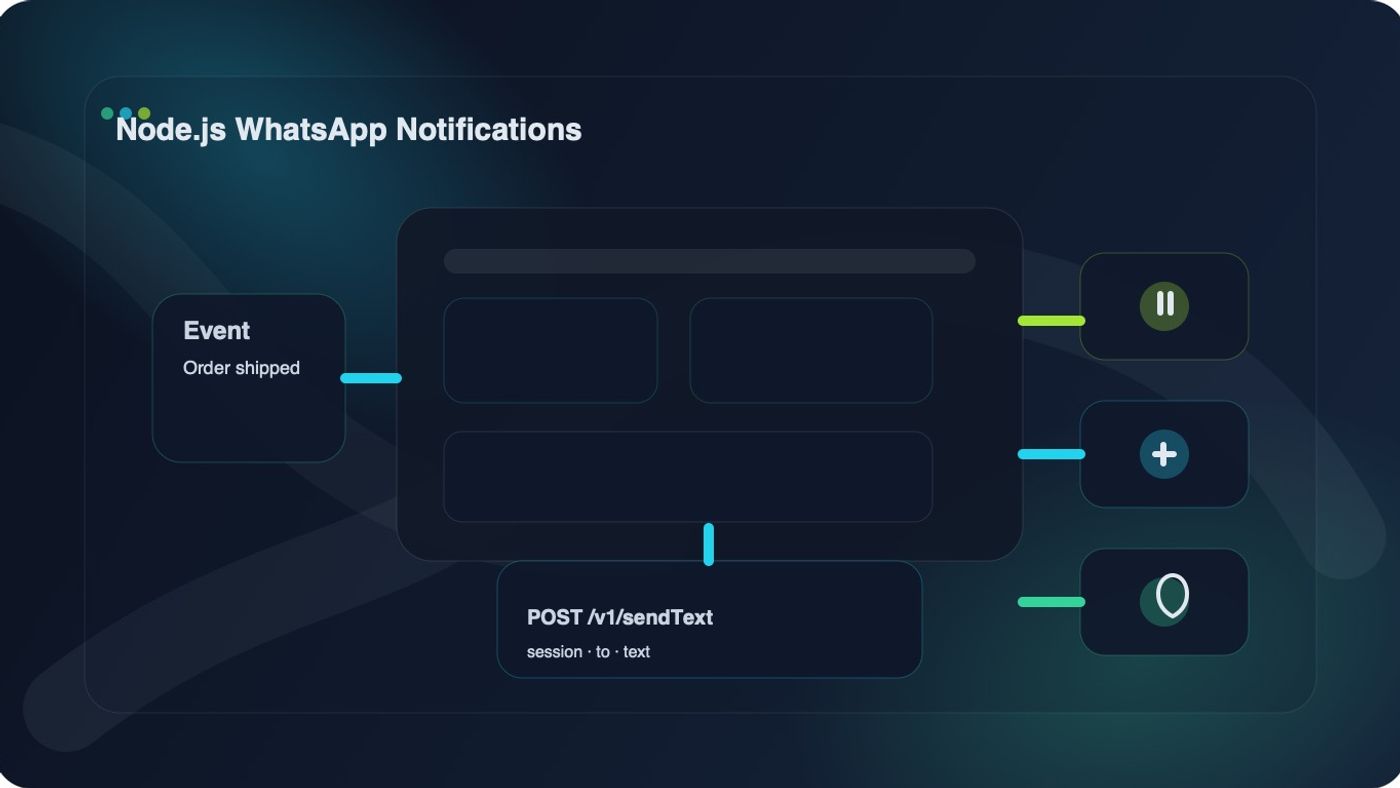
If you want to learn how to send WhatsApp notifications from Node.js, the shortest reliable path is to treat it like a backend notification workflow, not a frontend messaging trick.
That means you need four things in place:
- a connected WhatsApp session
- a server-side API key
- a message send endpoint
- a way to observe failures and delivery outcomes
In ChatSend, that maps cleanly to a session, a user API key, the /v1/sendText endpoint, and webhook or dashboard-based follow-up.
This guide walks through the minimal Node.js implementation, then shows what to tighten before you use it for order updates, reminders, verification messages, or other transactional notifications.
Quick answer: how to send WhatsApp notifications from Node.js
To send WhatsApp notifications from Node.js, create a ChatSend API key, connect a session, then call POST /v1/sendText from your server with session, to, and text in the JSON body.
What you need before writing code
Before you write a single line of Node.js, make sure you already have:
- a ChatSend base URL, such as https://your-domain.com
- a user API key for the webapp's public /v1/* endpoints
- a connected session ID that belongs to that API key's owner
- a recipient number in international format, such as +15551234567
This matters because external clients do not call the lower-level messaging service directly. In the current ChatSend architecture, customer API calls hit the webapp's /v1/* routes, which authenticate the user API key and verify that the session belongs to that user before forwarding the send request.
If you skip that boundary and code against the wrong endpoint shape, your sample may look valid but fail in production.
The simplest Node.js example
If your Node.js runtime exposes the global fetch API, the minimal implementation is just one POST request.
const CHATSEND_BASE_URL = process.env.CHATSEND_BASE_URL;
const CHATSEND_API_KEY = process.env.CHATSEND_API_KEY;
const CHATSEND_SESSION_ID = process.env.CHATSEND_SESSION_ID;
async function sendWhatsAppNotification({ to, text }) {
const response = await fetch(${CHATSEND_BASE_URL}/v1/sendText, {
method: "POST",
headers: {
Authorization: Bearer ${CHATSEND_API_KEY},
"Content-Type": "application/json",
},
body: JSON.stringify({
session: CHATSEND_SESSION_ID,
to,
text,
}),
});
const payload = await response.json().catch(() => null);
if (!response.ok) {
const message = payload?.error ?? response.statusText;
throw new Error(ChatSend request failed (${response.status}): ${message});
}
return payload;
}
async function main() {
const result = await sendWhatsAppNotification({
to: "+15551234567",
text: "Your order has shipped and is on the way.",
});
console.log("Notification sent:", result);
}
main().catch((error) => {
console.error(error);
process.exit(1);
});
That is enough to prove the flow works.
But if you stop here, you still do not have a production-ready notification path.
Use environment variables, not inline secrets
Even for a quick proof of concept, keep these values in environment variables:
CHATSEND_BASE_URL=https://your-domain.com
CHATSEND_API_KEY=cs_live_xxx
CHATSEND_SESSION_ID=session_123
Why this matters:
- API keys should stay server-side only
- session IDs should be configurable per environment
- notification code is easier to move between local, staging, and production
Do not put the API key in frontend code, browser code, or mobile app code. ChatSend user API keys are intended for trusted server-side calls.
Wrap the send logic in a reusable notification helper
Once the first request succeeds, the next step is to stop scattering raw fetch calls across your codebase.
This small helper is enough for most teams:
const CHATSEND_BASE_URL = process.env.CHATSEND_BASE_URL;
const CHATSEND_API_KEY = process.env.CHATSEND_API_KEY;
const CHATSEND_SESSION_ID = process.env.CHATSEND_SESSION_ID;
export async function sendWhatsAppNotification({ to, text, session }) {
const response = await fetch(${CHATSEND_BASE_URL}/v1/sendText, {
method: "POST",
headers: {
Authorization: Bearer ${CHATSEND_API_KEY},
"Content-Type": "application/json",
},
body: JSON.stringify({
session: session ?? CHATSEND_SESSION_ID,
to,
text,
}),
});
const payload = await response.json().catch(() => null);
if (!response.ok) {
const error = new Error(
payload?.error
? ChatSend error: ${payload.error}
: ChatSend request failed with ${response.status},
);
error.status = response.status;
error.payload = payload;
throw error;
}
return {
messageId: payload.id,
status: payload.status,
recipient: payload.recipient,
raw: payload,
};
}
This keeps your application code cleaner and gives you one place to add timeout handling, retries, structured logs, and metrics later.
Trigger notifications from your app
In most real systems, WhatsApp notifications are triggered by backend events, not manual scripts.
Typical triggers include:
- order created
- order shipped
- appointment reminder due
- invoice overdue
- account verification completed
Here is a simple Express example:
import express from "express";
import { sendWhatsAppNotification } from "./whatsapp.js";
const app = express();
app.use(express.json());
app.post("/internal/orders/:orderId/shipped", async (req, res) => {
try {
const order = {
id: req.params.orderId,
customerPhone: "+15551234567",
trackingNumber: "TRACK-123",
};
const message = [
Your order ${order.id} has shipped.,
Tracking number: ${order.trackingNumber}.,
].join(" ");
const result = await sendWhatsAppNotification({
to: order.customerPhone,
text: message,
});
res.status(200).json({ ok: true, result });
} catch (error) {
console.error("Failed to send WhatsApp notification:", error);
res.status(500).json({ ok: false });
}
});
app.listen(3000, () => {
console.log("Server listening on :3000");
});
The core idea is simple: your application event produces business data, your backend formats the message, and your notification helper sends it through ChatSend.
Handle failures differently based on type
This is where a lot of notification guides stay too shallow.
A successful HTTP request and a healthy notification system are not the same thing.
At minimum, treat these failure classes differently:
Failure type | What it usually means | Retry?
401 UNAUTHORIZED | Missing or invalid API key | No. Fix credentials
403 SESSION_FORBIDDEN | API key user does not own the session | No. Fix session ownership or config
400 session is required | Bad request body | No. Fix your code
502 or network error | Upstream send failed or transport error | Usually yes, with backoff
That leads to a practical retry strategy:
- Do not retry configuration errors.
- Retry transport or upstream send failures with exponential backoff.
- Keep your own outbound event ID in your database so retries do not create duplicate business actions.
- Log the returned ChatSend message ID so you can reconcile later.
If your retry logic treats every error the same way, you will either spam retries that can never succeed or silently drop recoverable sends.
A safer retry wrapper
Here is a lightweight retry wrapper you can build on:
import { sendWhatsAppNotification } from "./whatsapp.js";
function sleep(ms) {
return new Promise((resolve) => setTimeout(resolve, ms));
}
function shouldRetry(error) {
return error?.status === 502 || error?.cause?.code === "ECONNRESET";
}
export async function sendWithRetry(payload, maxAttempts = 3) {
let attempt = 0;
while (attempt < maxAttempts) {
attempt += 1;
try {
return await sendWhatsAppNotification(payload);
} catch (error) {
if (!shouldRetry(error) || attempt === maxAttempts) {
throw error;
}
await sleep(500 * attempt);
}
}
}
This is intentionally small. You can always replace it later with your queue system, job worker, or workflow engine.
Do not stop at the send response
A lot of teams make the mistake of treating 200 OK as final delivery success.
It is not.
The immediate send response confirms that the request was accepted and processed by the send path. It does not replace downstream delivery visibility, reply handling, or post-send monitoring.
That is why webhook support matters. In ChatSend, webhook configuration is tied to the session layer, so notification systems can push send outcomes and follow-up events into your backend instead of forcing you to check everything manually.
For a production workflow, store at least:
- your internal event ID
- recipient phone number
- ChatSend message ID
- initial send status
- send timestamp
That gives you a usable audit trail when a customer says they never got the notification.
sendText vs send
For most transactional notifications, sendText is the right starting point.
Use sendText when:
- the message is plain text
- you want the clearest request shape
- you are building reminders, status updates, or confirmations
Use the broader send endpoint when:
- you want one endpoint that can also send media
- your notification may include image, video, document, or audio URLs
- you need custom link-preview payloads later
Starting with sendText keeps the first implementation easier to debug.
Common mistakes when sending WhatsApp notifications from Node.js
Calling the API from the browser
Notifications are a backend concern. Keep API keys and session ownership checks on the server.
Hardcoding one session everywhere
One default session is fine for a first version, but as soon as you have multiple brands, teams, or markets, make session selection explicit.
Sending before session health is understood
If the session is disconnected, stale, or owned by the wrong user, your notification path will fail for reasons that have nothing to do with Node.js.
Forgetting to log returned message IDs
Without a message ID, your support team has much less to work with when they need to trace an individual send.
Treating notification copy like an afterthought
Short, clear, human-readable messages usually perform better than overloaded messages stuffed with too much context.
Where ChatSend fits in the Node.js workflow
ChatSend is useful here because it gives Node.js teams a cleaner path from application event to message delivery workflow.
Instead of building around raw session uncertainty, it gives you:
- session-based sending
- user API keys for public /v1/* routes
- ownership checks before sending
- dashboard visibility
- a playground for testing payloads
- webhook-ready operational follow-up
That makes it easier to go from "we need WhatsApp notifications" to "we have a backend notification path we can actually operate."
Final takeaway
If your goal is to learn how to send WhatsApp notifications from Node.js, start with the smallest stable backend flow:
- connect a session
- create an API key
- call /v1/sendText
- log the returned message ID
- add retries and delivery visibility before scaling volume
That flow is simple enough to ship quickly and structured enough to survive real production use.
If you want to test it next, start with the ChatSend docs, review the session endpoints, and send a controlled message with the send text endpoint before you wire it into real notification events.