ChatSend Blog
How to Manage Multiple WhatsApp Numbers Without Operational Chaos
A practical guide to managing multiple WhatsApp numbers with cleaner ownership, better session visibility, and less operator confusion.
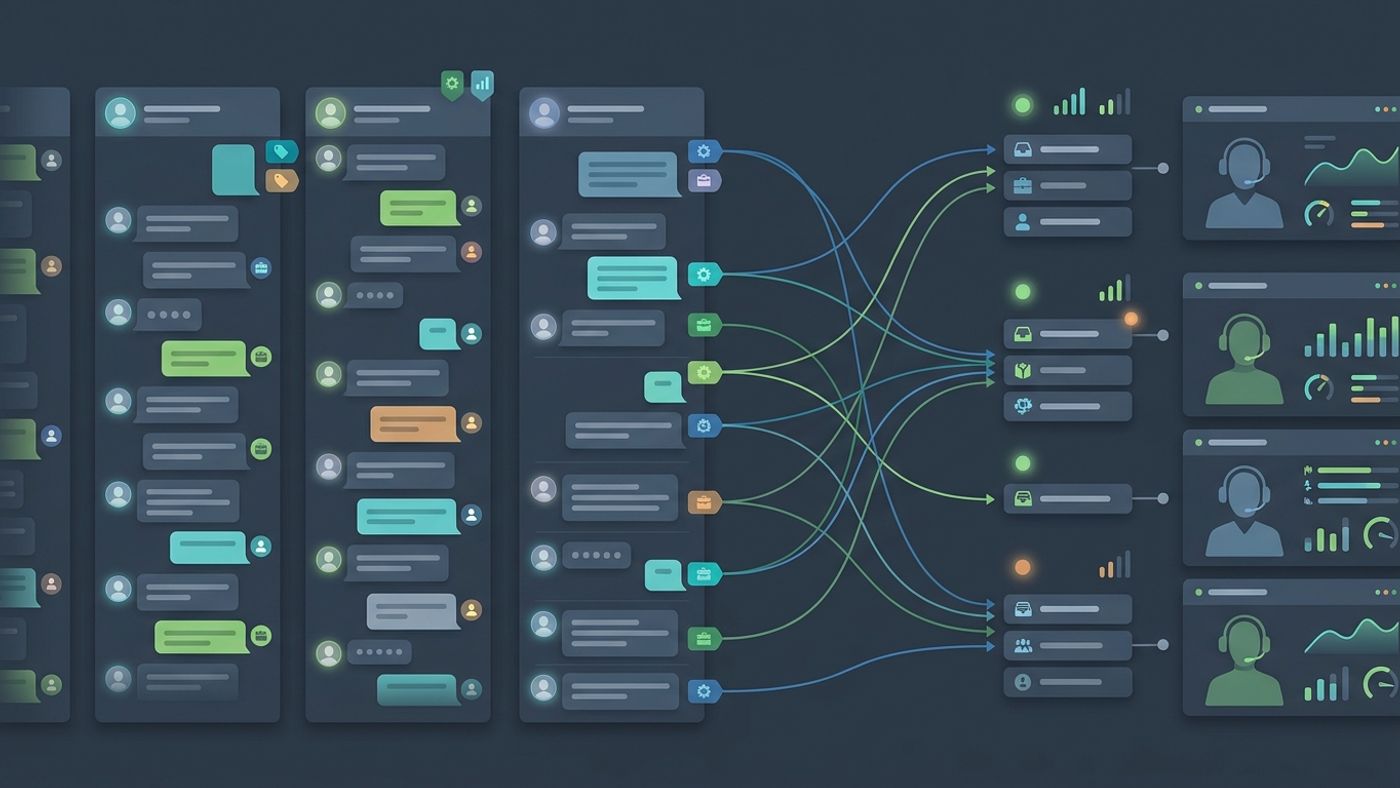
It is easy to run one WhatsApp number when the workflow is small. The problems start when a team needs to manage multiple WhatsApp numbers across campaigns, regions, products, or support queues.
At that point, the issue is no longer just message sending. It becomes an operations problem.
This guide explains how to manage multiple WhatsApp numbers in a way that stays usable as your team and message volume grow.
Why teams add more than one WhatsApp number
There are several legitimate reasons to add more sending numbers:
- separate brands or business units
- different geographies
- outbound campaigns versus inbound support
- staged sending capacity
- clearer ownership between teams
The mistake is assuming that adding numbers only increases capacity. In practice, it also increases coordination cost.
The four systems you need to keep clean
If you want to manage multiple WhatsApp numbers well, keep these four systems explicit.
1. Ownership
Every number should have a clear owner or owning team.
That does not mean one person controls every action forever. It means your team can answer basic questions quickly:
- who connected this session
- who is responsible when it disconnects
- who is allowed to send from it
- who receives operational alerts
Unclear ownership is one of the fastest ways to create stuck work after a failure.
2. Session health visibility
When several numbers are active, session status needs to be visible in one place.
Operators should be able to see:
- connected versus disconnected sessions
- QR pairing state
- the phone number linked to the session
- whether the session is ready for sends
- which account user owns the session
If teams need to hunt through different tools just to understand which number is live, they will lose time whenever a campaign is under pressure.
3. Routing rules
Multiple WhatsApp numbers only help if your team knows which traffic goes where.
Useful routing rules can be based on:
- campaign type
- market or language
- product line
- customer segment
- support versus outbound usage
Do not rely on tribal knowledge. Write the rule down and reflect it in your dashboard or operational checklist.
4. Monitoring and review
You need a repeatable way to review performance by number, not just globally.
That includes:
- delivery performance
- reply volume
- blocked or unstable sessions
- queue pressure
- recent sends by number
Without per-number visibility, a problem can hide inside aggregate metrics for too long.
A simple structure for multi-number operations
The most practical model is usually:
- one dashboard for all active numbers
- clear ownership per session
- one source of truth for session state
- API-level controls for server workflows
- lightweight rules for when to use each number
This avoids the two extremes teams often fall into:
- one overloaded shared number for everything
- too many disconnected numbers with no central visibility
Common failure patterns
Numbers exist, but nobody really owns them
The number may be technically connected, but no one notices when it breaks. That creates silent delivery risk.
Teams switch tools to understand what is happening
If session state is in one place, sending logs are in another, and performance data is in a third, operators spend more time diagnosing than acting.
Multi-number growth happens without naming conventions
As the number count grows, poor naming creates confusion. Use session names that reveal function, not internal trivia. A good name should tell an operator what the number is for at a glance.
Campaigns are assigned manually every time
If campaign routing depends on memory or ad hoc discussion, mistakes become inevitable. Even a short internal rule set is better than nothing.
How to make the setup easier for operators
The best multi-number setup does not just satisfy engineering requirements. It reduces operator workload.
A usable control room should make it easy to:
- connect a new number
- see which numbers are active
- launch campaigns from the correct session
- inspect failures quickly
- avoid duplicate or conflicting actions
That is why a dashboard matters. It turns multi-number management from backend state into something people can actually operate.
Where ChatSend fits
ChatSend is designed for teams that need more than a single-number proof of concept. It gives operators and developers one surface for:
- multiple WhatsApp number management
- session creation and ownership
- dashboard visibility
- campaign sends
- API-based automation
- delivery and reply monitoring
Instead of forcing teams to improvise around session sprawl, it keeps number operations closer to the actual messaging workflow.
If your current setup starts to feel fragile as more numbers are added, that is usually a sign the operating model needs to change before scale adds more noise.
Final takeaway
To manage multiple WhatsApp numbers well, focus on ownership, session visibility, routing, and number-level monitoring. Those four pieces matter more than simply increasing the count of connected numbers.
If you want to evaluate a cleaner setup, review the ChatSend session docs, compare plan limits on the pricing section, and test how your team handles real multi-number workflows inside one dashboard.