ChatSend Blog
WhatsApp API for Developers: A Practical Guide to Faster Integration
A practical guide to choosing and integrating a WhatsApp API for developers, from session setup and webhooks to testing and scale.
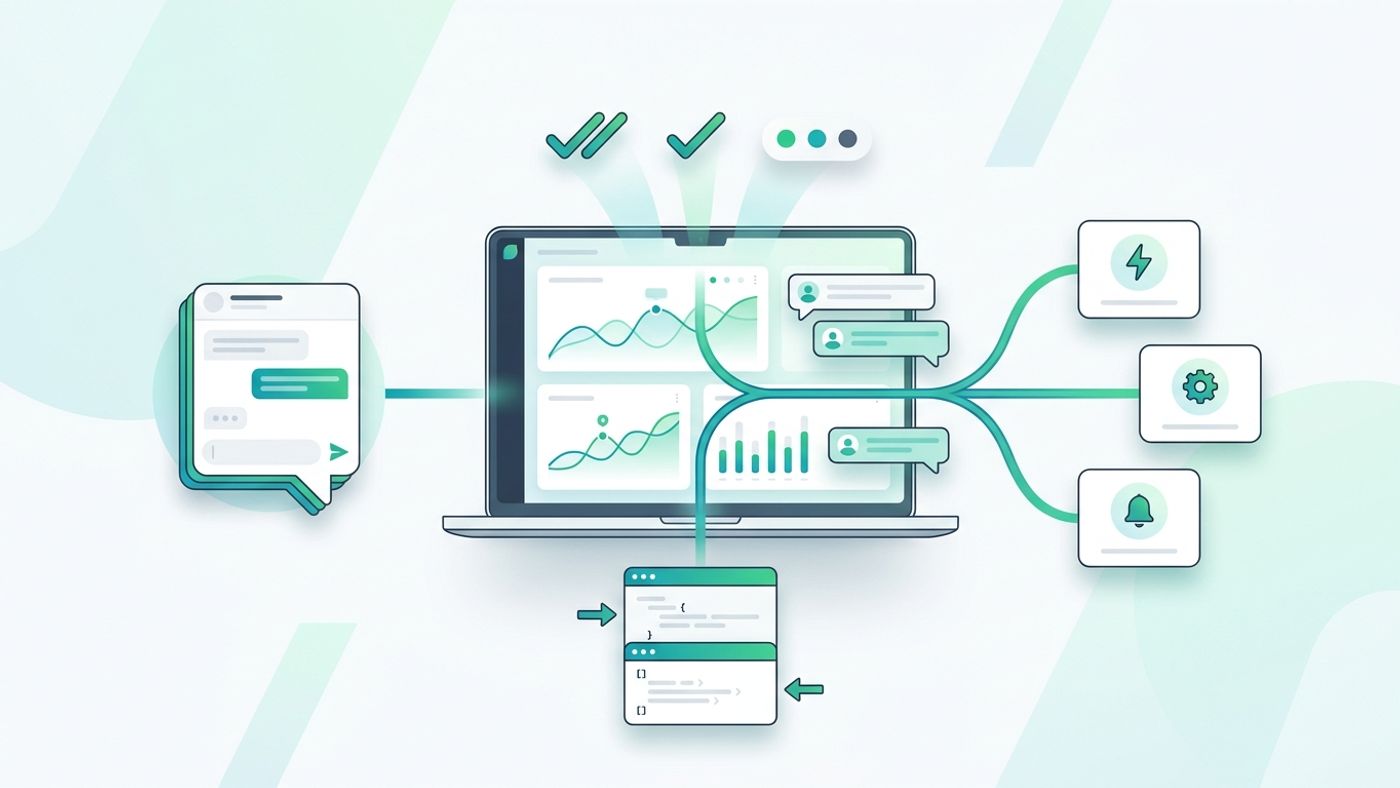
Modern teams do not just need a way to send messages. They need a WhatsApp API for developers that is easy to integrate, simple to test, and reliable enough to operate after launch.
That sounds obvious, but many teams still lose time on setup friction. They get stuck between account provisioning, unclear session handling, weak debugging tools, and missing delivery feedback. The result is a long integration cycle for a workflow that should be straightforward.
This guide explains what to look for in a developer-friendly WhatsApp API, how to structure your integration, and what matters most once real traffic starts flowing.
What makes a WhatsApp API developer-friendly
A usable WhatsApp messaging API should reduce both implementation time and operational risk.
At a minimum, developers should be able to:
- Connect a WhatsApp session without a long onboarding cycle
- Send text and media through a clear REST API
- Receive webhook updates for delivery and reply events
- Debug requests without guessing what happened
- Scale from one number to multiple active sending sessions
If one of those pieces is missing, the API may work in a demo but create friction in production.
The four integration building blocks
1. Session management
Every WhatsApp workflow starts with a connected session. That means your team needs a repeatable way to create a session, pair it, monitor its health, and replace it if the connection breaks.
Good session management should answer practical questions fast:
- Which number is connected?
- Is the session active, pending QR scan, or disconnected?
- When should operators refresh the QR?
- Which application user owns that session?
If your platform treats session state as a black box, developers usually end up rebuilding visibility on top of it.
2. Sending endpoints
The send path should stay boring. That is a feature.
A clean API usually exposes predictable message endpoints for text, media, and richer send actions. Payloads should be easy to validate, and authentication should fit backend usage rather than browser usage.
For example, if you already know your core use case is outbound notifications, reminders, or campaign messaging, the API should let you move from request construction to successful delivery quickly. It should not force developers into complex abstractions before the first successful send.
3. Webhook feedback
Sending is only half the job. The real system starts when the message leaves your app.
Webhook events give developers the data needed to:
- confirm delivery status
- trigger downstream automations
- track replies
- update internal CRM or support tools
- investigate failures without manual inbox checking
Without webhooks, teams end up polling, logging too little, or building fragile status reconciliation jobs.
4. Debugging and observability
One of the fastest ways to judge a platform is to see how easy it is to debug a failed request.
A practical setup should let your team inspect:
- request payload
- response body
- response headers
- latency
- auth failures
- session ownership or session state issues
That is why tools like an in-product API playground or clear endpoint documentation matter. They shorten the distance between theory and a verified request.
A simple integration flow that works
If you are evaluating a WhatsApp API for developers, this is the flow worth optimizing:
- Create or connect a WhatsApp session
- Store the resulting session identifier in your backend
- Generate an API key for server-side requests
- Send a text message to a controlled test number
- Subscribe to webhook events
- Log delivery outcomes and reply events
- Expand to media sends and bulk workflows only after the basic path is stable
This order matters. Teams often jump directly into campaign-scale sending before session health and delivery feedback are reliable. That usually creates noisy failures that are harder to isolate later.
Common mistakes when integrating a WhatsApp messaging API
Treating the first successful send as proof the system is ready
A single 200 response is not enough. You still need to verify delivery visibility, reply handling, and behavior when the session disconnects.
Mixing browser and server responsibilities
API keys, webhook secrets, and session operations belong in trusted server environments. Keep browser clients limited to user-facing actions and internal app requests.
Ignoring multi-number operations too early
Many teams start with one number and assume they can bolt on more later. In practice, ownership, queueing, and monitoring decisions get harder after launch. It is better to choose a platform that already supports multiple WhatsApp numbers in one control surface.
Skipping a realistic test harness
Before release, run real send requests with representative payloads. Use a playground, staging endpoint, or backend smoke script so your team can see the exact request and response lifecycle.
Where ChatSend fits
ChatSend is designed around a simpler operating model for developers and messaging teams. Instead of splitting setup, sending, and visibility across different surfaces, it combines:
- WhatsApp session management
- API key based access
- send endpoints for common message workflows
- webhook support
- a dashboard and playground for faster debugging
That makes it easier to move from proof of concept to an operated integration without rebuilding the same tooling around the API.
If you are evaluating the product, the most useful next step is not reading another abstract feature page. It is testing one real end-to-end flow:
- connect a session
- call a send endpoint
- inspect the response
- verify the downstream event data
Final takeaway
The best WhatsApp API for developers is not the one with the longest feature list. It is the one that helps your team connect sessions, send reliably, receive webhook feedback, and debug failures without wasting time.
If you want a faster evaluation path, start with the ChatSend API docs, test a live request in the dashboard, and compare how quickly your team can go from setup to a verified message workflow.